Italian
  English
  Arabic
  Chinese
  French
  German
  Portuguese
  Russian
  Spanish
  Polish
Nella produzione tessile B2B ad alto volume e nella decorazione di abbigliamento, gli sprechi di indumenti hanno un impatto diretto sui margini operativi. Un'inaspettata effetto fantasma, Lo spostamento della carta transfer o un errore di stampa a caldo su un cartoncino di alta qualità possono ridurre rapidamente i margini di profitto.
Che tu gestisca una tipografia commerciale, ti occupi della distribuzione di articoli promozionali o diriga un reparto di stampa industriale, sapere come recuperare o riutilizzare i capi difettosi è fondamentale per tenere sotto controllo gli scarti.
Di seguito, trattiamo le cause principali errori comuni nella sublimazione, Procedure pratiche di recupero e modalità di integrazione di macchinari ibridi digitali.
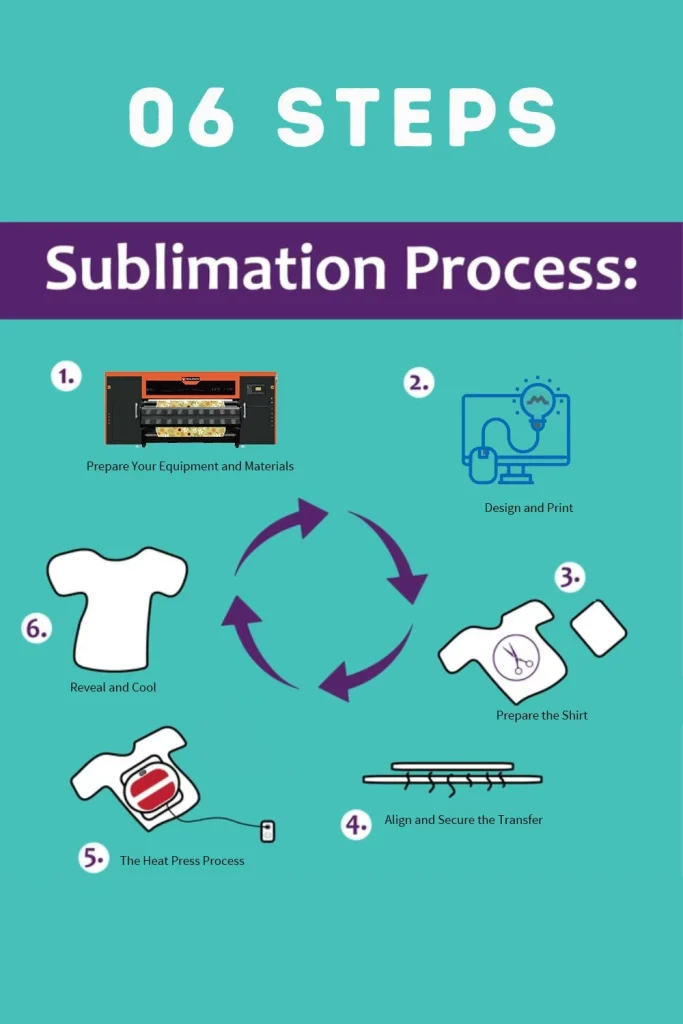
Perché le magliette stampate a sublimazione non riescono bene?
Prima di risolvere qualsiasi problema, è utile capire perché si verificano i problemi di sublimazione. Tintura a sublimazione Aderisce correttamente alle fibre di poliestere (o a una superficie rivestita in poliestere) solo quando quattro fattori sono perfettamente allineati: calore, pressione, tempo e compatibilità del tessuto. Se anche solo uno di questi non è corretto, la stampa ne risente. I fattori che più spesso causano problemi sono:
- Temperatura della pressa a caldo errata o piastra riscaldante non uniforme
- Pressione troppo bassa o troppo alta
- Tempo di stampa troppo breve o troppo lungo
- Movimento della carta o della camicia durante la stiratura (questo provoca un effetto "fantasma", ovvero una debole immagine doppia).
- Tessuto con un contenuto di cotone eccessivo (la sublimazione richiede un alto contenuto di poliestere, idealmente il 65% o più).
- Umidità nella maglietta o umidità nella stanza
- Un foglio di copertura per termopressa usurato o di bassa qualità, oppure una piastra sporca
- Problemi della stampante o dell'inchiostro, come striature, variazioni di colore o ugelli ostruiti della stampante stessa
Una volta capito quale di queste situazioni si applica alla tua camicia, puoi decidere se è riparabile o se è meglio trarne un insegnamento.
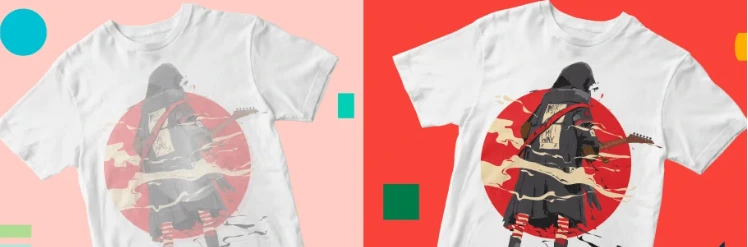
Risoluzione dei difetti di stampa causati dall'hardware
La persistenza di striature, errori nell'alimentazione del mezzo di stampa o la caduta di pressione dell'ugello indicano solitamente limitazioni dell'apparecchiatura piuttosto che errori dell'operatore.
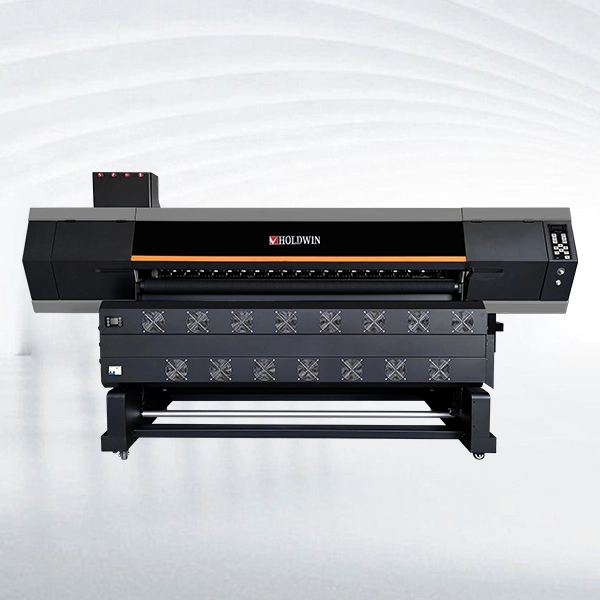
Per lavori di sublimazione ripetuti, HOLDWIN-1804 Utilizza quattro testine di stampa I3200-A1, con una larghezza di stampa fino a 1820 mm e velocità dichiarate di 180 m²/h in 1 passaggio e 120 m²/h in 2 passaggi. La pulizia e l'umidificazione automatiche, il riscaldamento a tre stadi e l'alimentazione controllata contribuiscono a ridurre le rilavorazioni legate a striature e movimenti della carta.
Per volumi maggiori, Sublimazione HOLDWIN-1808 Mantiene il formato da 1,8 m con otto testine di stampa, offrendo un semplice aggiornamento della capacità senza dover passare a una macchina più larga.
HOLDWIN-2608: Progettata per layout più ampi, con un formato di 2,6 m, otto testine di stampa I3200-A1, pulizia automatica e alimentazione di precisione dei supporti per lunghe tirature.
Conclusione
Rifare il lavoro è generalmente più sicuro quando il difetto include artefatti evidenti, fibre fuse, bruciature profonde, notevole perdita di colore o un processo di correzione che non può essere ripetuto in modo coerente.
Produzione professionale di sublimazione Non si tratta di salvare ogni maglietta difettosa. Si tratta di costruire un processo che generi meno errori. Se stai esaminando la stabilità della stampante, la gestione dei supporti, la manutenzione o il flusso di lavoro. capacità, Descrivi il tuo flusso di lavoro di produzione e le tue esigenze in termini di attrezzature. prima di passare a ordini più grandi.