Portuguese
  English
  Arabic
  Chinese
  French
  German
  Russian
  Spanish
  Polish
  Italian
Fantasmas é a frustração máxima em sublimação, transformando um design crisp em uma confusão em segundos. Normalmente causada por papel de mudança ou umidade presa, essas sombras pode arruinar seu inventário e suas margens de lucro. Isto HOLDWIN o guia quebra exatamente porque o fantasma acontece e como parar para sempre.
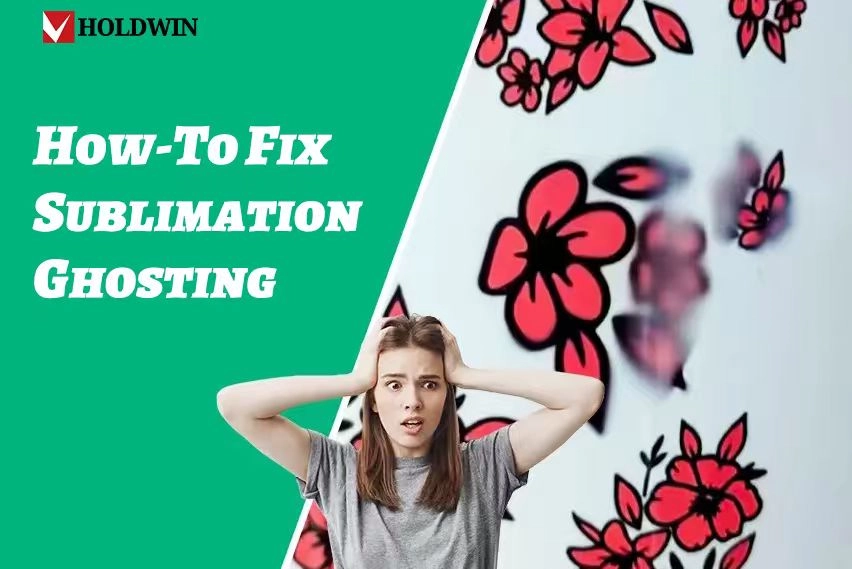
O que É exatamente Fantasmas?
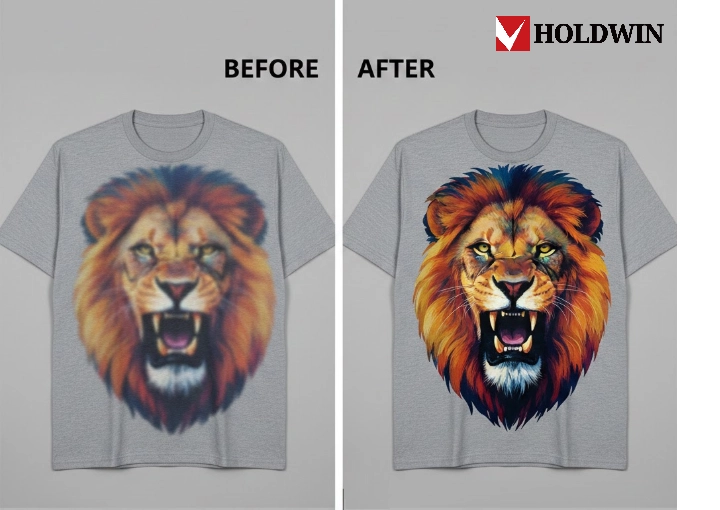
O fantasma de sublimação é um defeito de impressão caracterizado por uma sombra fraca, borracha ou secundária “ fantasma - imagem aparecendo ao redor do design primário. Este fenômeno ocorre quando o papel de transfer ência de sublimação muda ou levanta enquanto a tinta ainda está em seu estado gasoso durante o processo de transferência de calor. Porque a tinta permanece ativa sob altas temperaturas, qualquer ligeiro movimento faz com que o gás se estabeleça em uma localização secundária, resultando em uma imagem distorcida que compromete a qualidade profissional do produto final.
O que Triggers Sublimation Ghosting?
O fantasma aparece quando seu papel de transfer ência desliza um pouco enquanto a tinta ainda é um gás quente. Quando esse papel muda, o gás aterra em um novo lugar, criando esse feio “ sombra Olha. Embora possa parecer uma má sorte, geralmente desce para três coisas básicas: peças em movimento, humidade escondida e pressão errada.
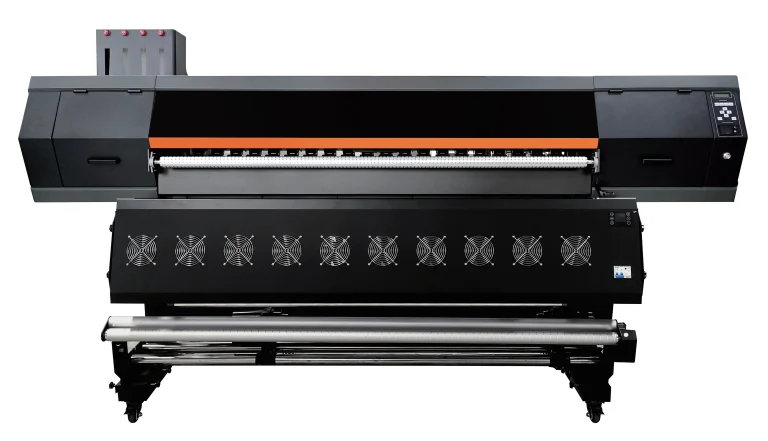
Para obter resultados agudos, você precisa absolutamente de uma máquina que mantém tudo estable. Se você está pensando em obter melhor equipamento, HOLDWIN-1804TX NEW é uma escolha fantástica. Esta impressora rápida é construída com grande cuidado, certificando-se que cada pequeno pedaço de tinta atinge o ponto certo. Isto cria um começo forte que torna o fantasma muito menos provável quando você finalmente usa a press ão de calor.
O problema com o Movimento de Papel
A causa mais frequente de problemas é o papel movendo-se durante o processo. Isso acontece muitas vezes se você apertar o tampão de calor rápido demais. Esse movimento rápido cria um tipo de vento que suge o papel por um segundo dividido antes de cair de volta para baixo. Até uma pequena mudança é suficiente para fazer a imagem parecer borracha.
Para parar isso, sempre usar cinta de segurança térmica para bloquear seu design no material. Se você está trabalhando em pedaços de tecido muito grandes, você pode querer tentar “ pegajoso Papel. Este papel especial tem uma cola ligeira que acorda quando fica quente, agarrando o tecido para que o papel simplesmente não possa deslizar enquanto você trabalha.
lidar com a humidade e a humidade
Umididade escondida é o inimigo secreto de uma boa impressão. Se seu tecido ou papel se sente mesmo um pouco húmido, essa água se transforma em vapor quando as coisas ficam quentes. Esse vapor pode realmente afastar o papel ou fazer a tinta se espalhar de forma confusa.
Um truque inteligente é “ pré-imprensa O seu item durante cerca de 5 a 10 segundos antes de colocar o papel. Este passo rápido cozinha qualquer água presa e torna o material perfeitamente plano, criando uma superfície seca que ama absorver a tinta corretamente.