English
  Arabic
  Chinese
  French
  German
  Portuguese
  Russian
  Spanish
  Polish
  Italian
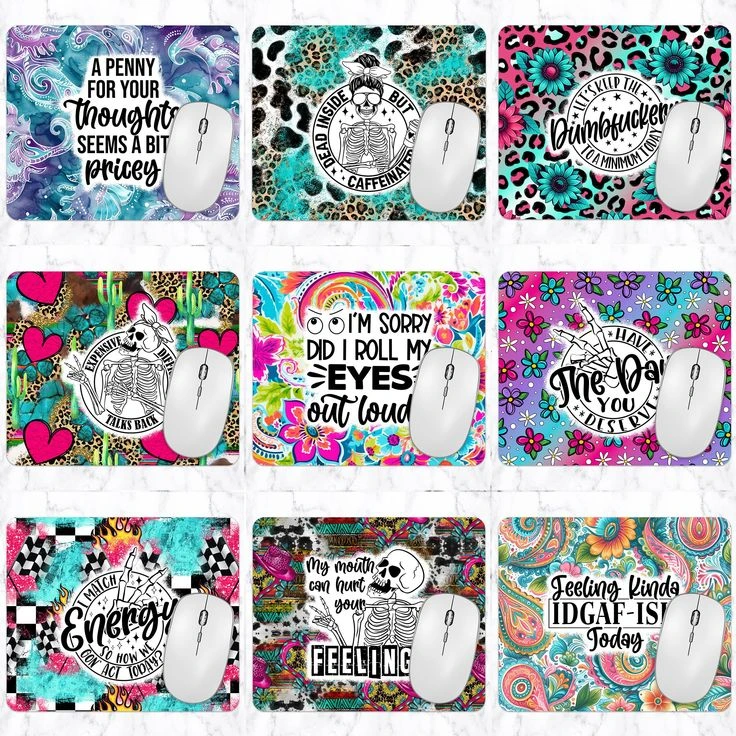
Sublimating mousepads is a straightforward process. Sublimating mousepads permanently infuses vibrant, custom artwork into polyester surfaces using heat and specialized inks. Mastering the proper tools and techniques ensures sharp, durable results for branded merchandise, office accessories, or personalized gifts. Before breaking down the process, let’s first understand why mousepad needs to be sublimated at first place.
Why Sublimate Mousepad?
Sublimation is often the preferred method for mousepads because it creates a high-performance product.
- Permanent Durability
Because the ink transforms into a gas and permeates the polyester fibers, the design becomes part of the material itself. It will never crack, peel, or flake off, even after years of heavy use or repeated washing.
- Superior Tracking & Feel
Unlike screen printing or heat transfer vinyl, sublimation leaves zero texture on the surface.
Zero “Hand”: The mousepad stays perfectly soft and smooth.
Sensor Accuracy: Optical and laser mice can track perfectly without hitting “bumps” or physical ink layers that might cause cursor skipping.
List of Material Needed for Sublimating Mousepads
- Sublimation Printer: Loaded with sublimation ink.
- Sublimation Paper: High-quality paper to hold the ink.
- Mousepad Blank: Must have a white polyester fabric top.
- Heat Press: A flatbed swing-away or clamshell press.
- Heat Resistant Tape: To secure the design.
Mouse Pad Sublimation Quick Reference Guide
| Parameter | Recommended Setting |
| Ideal Temperature | 190°C – 200°C (375°F – 400°F) |
| Pressing Time | 40 – 60 Seconds |
| Pressure Levels | Medium Pressure |
| Paper Placement | Transfer paper face-down on top of the mouse pad |
| Peel Method | Hot Peel |
⚠️ Avoid Over-Pressing: If your temperature goes beyond 200°C or you press for longer than 60 seconds, the rubber base of the mouse pad can over-bake. This causes the edges to warp, thins out the pad’s cushion, and can cause a strong rubber burning smell. If the colors look dull, increase the time slightly rather than raising the temperature.